 Black Knight Studio
Safe QR Code & Barcode Scanner
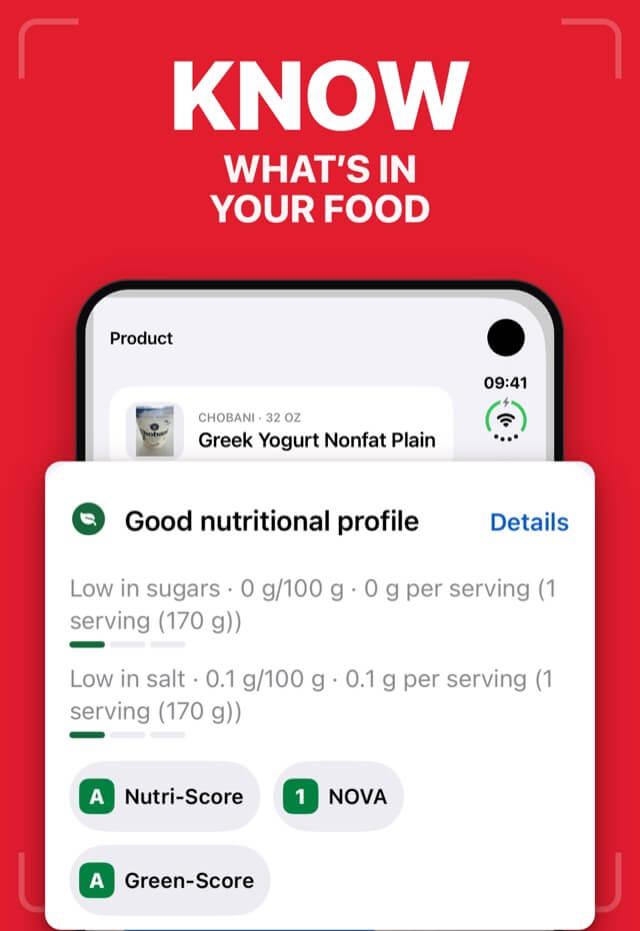
Food & Allergen Info, QR Maker
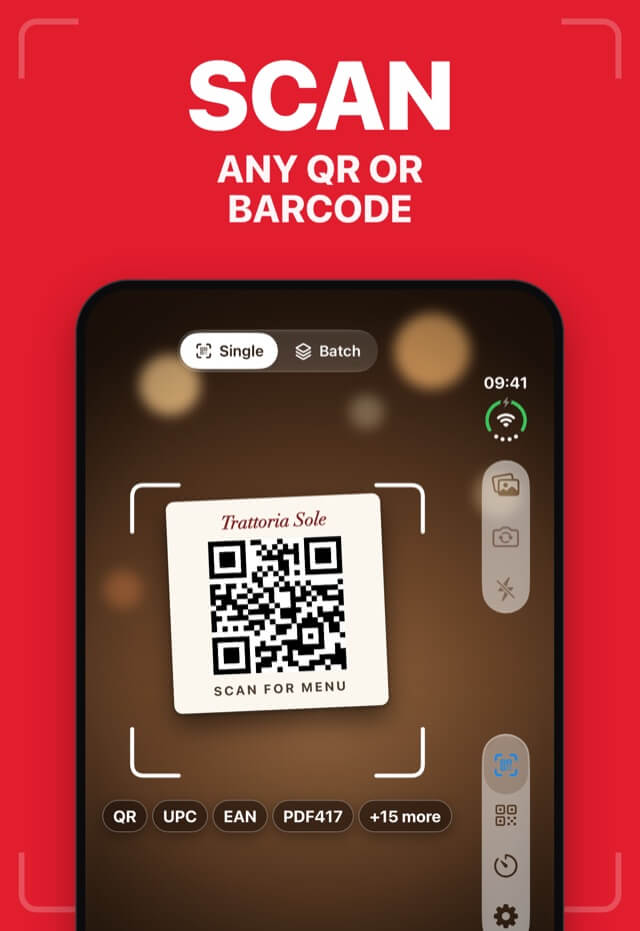
A QR and barcode scanner that checks every link on your device before you open it, looks up food allergens and recalls, and makes styled QR codes.
- iPhone
- iPad
- Vision Pro
- Productivity
Free · In-app purchases
See it work
Check the link before you tap.
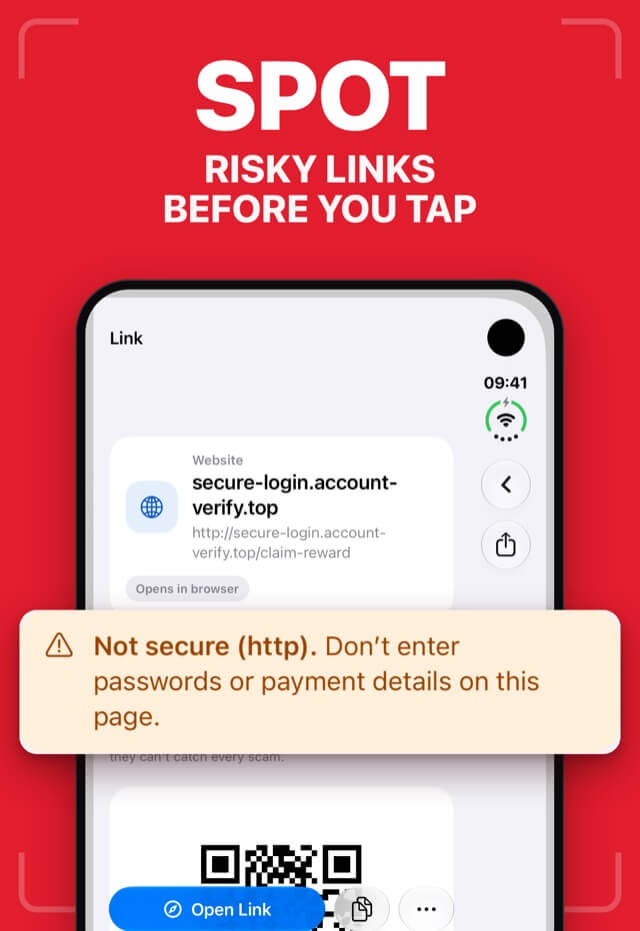
Safe QR checks every scanned link on your device and points out warning signs, like lookalike domains and pages without encryption, before anything opens.
Scanned QR code
Link: http://parce1-tracking.example/redeliver
Risky link
Check the address before you open it.
- Lookalike domain. “parce1” uses the number 1 in place of the letter l to imitate parcel-tracking.example.
- Not secure (http). Don't enter passwords or payment details on this page.
What you can count on.
Codes are read on your device
Scanning and link checks happen on your iPhone. Nothing is uploaded to decode a code.
Lookups send only the barcode
When you look up a product, only its barcode number is sent — never your photo.
No account
Scan, check and create codes without signing up.
Questions, answered.
Do I need an account?
No. Safe QR sets up an anonymous account in the background, so there's no email or password to create.
Where is my data stored?
Camera is used to read codes on your device. Link safety checks run on your device. What leaves your device: barcode numbers you look up, for product and allergen info; advertising identifiers and ad interactions (if you allow tracking); an anonymous identifier and app integrity checks; purchase status for in-app purchases; usage analytics, crash reports and performance diagnostics.
Does it show ads or track me?
Safe QR shows ads. iOS asks before any tracking. If you allow it, your advertising identifier may be used for personalized ads; if you don't, it isn't used to track you across other companies' apps and websites.
How do I get help?
Email support@blackknight-studio.app and mention Safe QR, your device and iOS version. We usually reply within 2 business days. Purchases and refunds are handled by Apple: manage subscriptions in Settings › Apple Account › Subscriptions.
Privacy, in plain words.
Based on our review of the app's code.
- Stays on your device
- Camera is used to read codes on your device
- Link safety checks run on your device
- Sent for processing
- Barcode numbers you look up, for product and allergen info
- Advertising identifiers and ad interactions (if you allow tracking)
- An anonymous identifier and app integrity checks
- Purchase status for in-app purchases
- Usage analytics, crash reports and performance diagnostics
- Shared with third parties
- If you allow tracking, advertising identifiers and ad interactions are shared with advertising partners to show personalized ads and measure them.
- If you don't allow tracking, the app doesn't use your advertising identifier to track you across other companies' apps and websites. Ads may still be shown.